
Products Compare
MB3300 vs. MB4000
Both print, copy, and scan in black and white, with a document feeder and scan to email, USB, or a network folder. The MB4000 is faster and does more with every scan.
Which one fits your office?
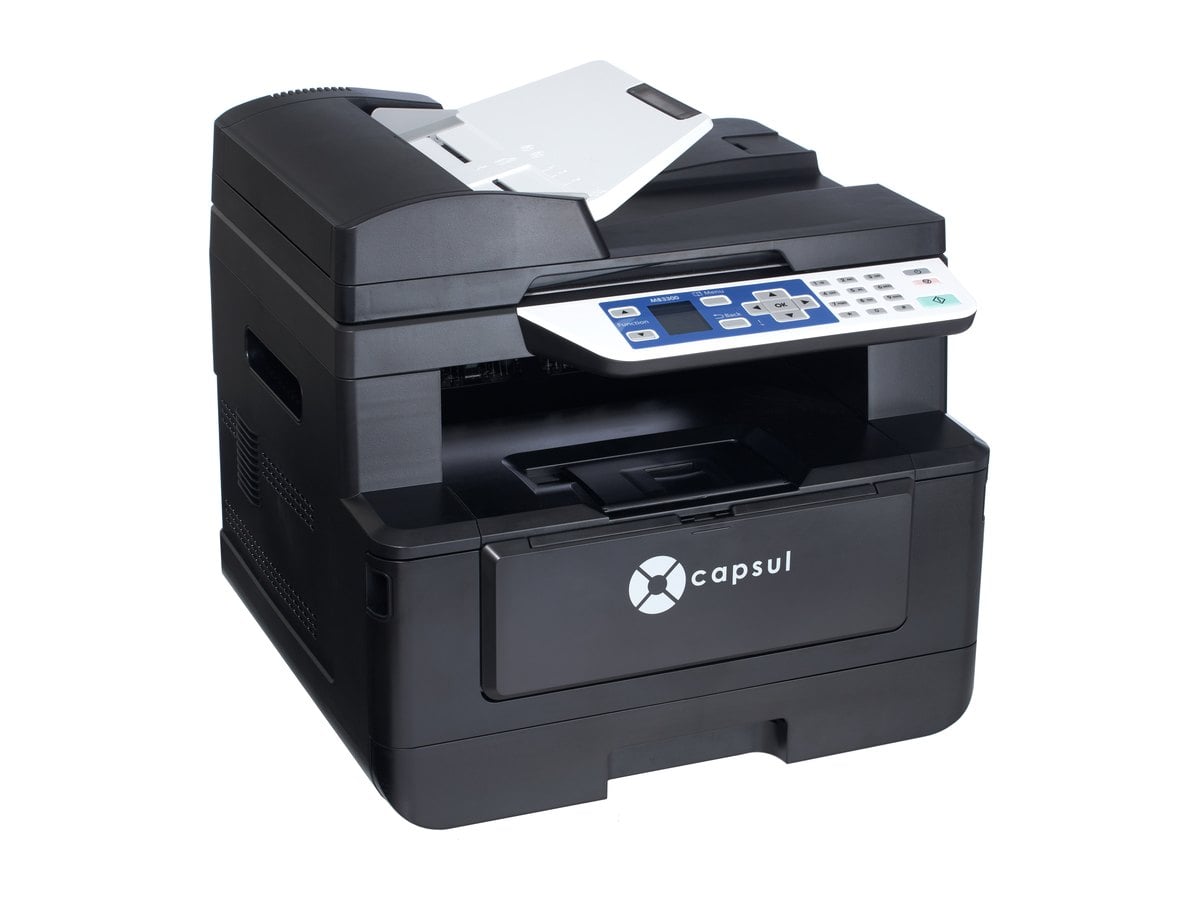
MB3300
EssentialsChoose the MB3300 if your office prints 1,500 to 3,000 pages a month and needs dependable print, copy, and scan with a 35-sheet document feeder.
Explore the MB3300 →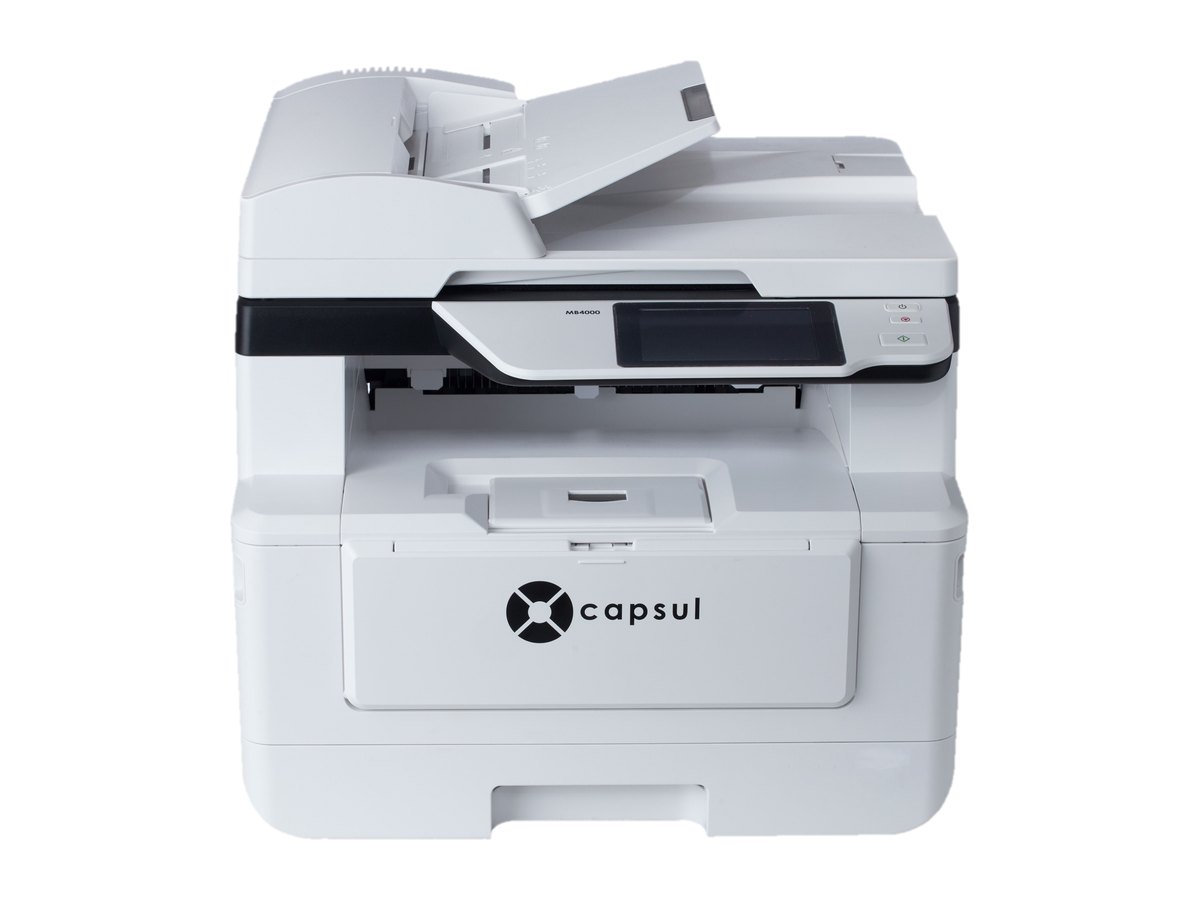
MB4000
PremierChoose the MB4000 if your office prints around 4,500 pages a month, scans often, and wants a 4.3″ color touchscreen, a 75-sheet feeder, and scans that clean themselves up.
Explore the MB4000 →Side by side
| Specification | MB3300 | MB4000 |
|---|---|---|
| Functions | Print, copy, and scan | Print, copy, and scan |
| Print and copy speed | 33 ppm (A4), black and white | 40 ppm (A4), black and white |
| Scan speed | 18 ppm (A4) | 33 ppm (A4) |
| Resolution | 1,200 × 1,200 dpi | 1,200 × 1,200 dpi |
| Two-sided printing | Automatic | Automatic |
| Display | 1.77″ LCD | 4.3″ color touchscreen |
| Connectivity | Wi-Fi and Ethernet | Wi-Fi and Ethernet |
| Mobile printing | AirPrint and Mopria | AirPrint and Mopria |
| Paper sizes | A4, Letter, and Legal | A4, Letter, and Legal |
| Paper drawer | 250 sheets | 250 sheets |
| Manual feed | 10 sheets | 10 sheets |
| Document feeder | 35 sheets | 75 sheets |
| Scan destinations | Email, USB, SMB, and FTP | Email, USB, SMB, and FTP |
| Monthly volume | 1,500 to 3,000 pages | 4,500 pages |
| Duty cycle | 60,000 pages a month | 60,000 pages a month |
| Toner and drum yield | 3,000 and 30,000 pages | — |
| Dimensions | 15.9 × 14.9 × 14.4 in | 15.9 × 14.9 × 14.4 in |
| Weight | 32.0 lb | 34.5 lb |
| Smart scan | — | Blank-page removal, rotation, deskew, and crop |
| Toner yield | — | 3,000, 6,000, 9,000, or 12,000 pages |
Ready to buy?
Capsul is sold through authorized IT and office-technology providers. We’ll introduce you to one near you.
Find a provider